Possible Causes
If a source server disk is smaller than the target server disk, there will be unallocated space left over on the target server disk. You can expand the system disk of the target server to take advantage of the unallocated space.
Solution
- Choose Start > Run.
- Enter diskmgmt.msc and press Enter.
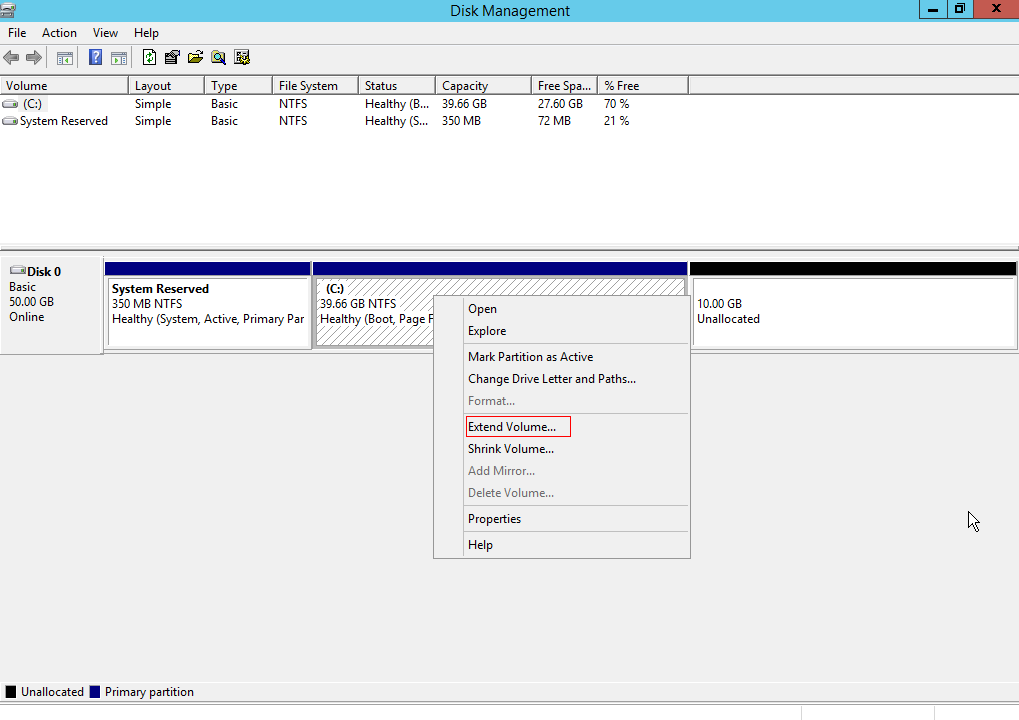
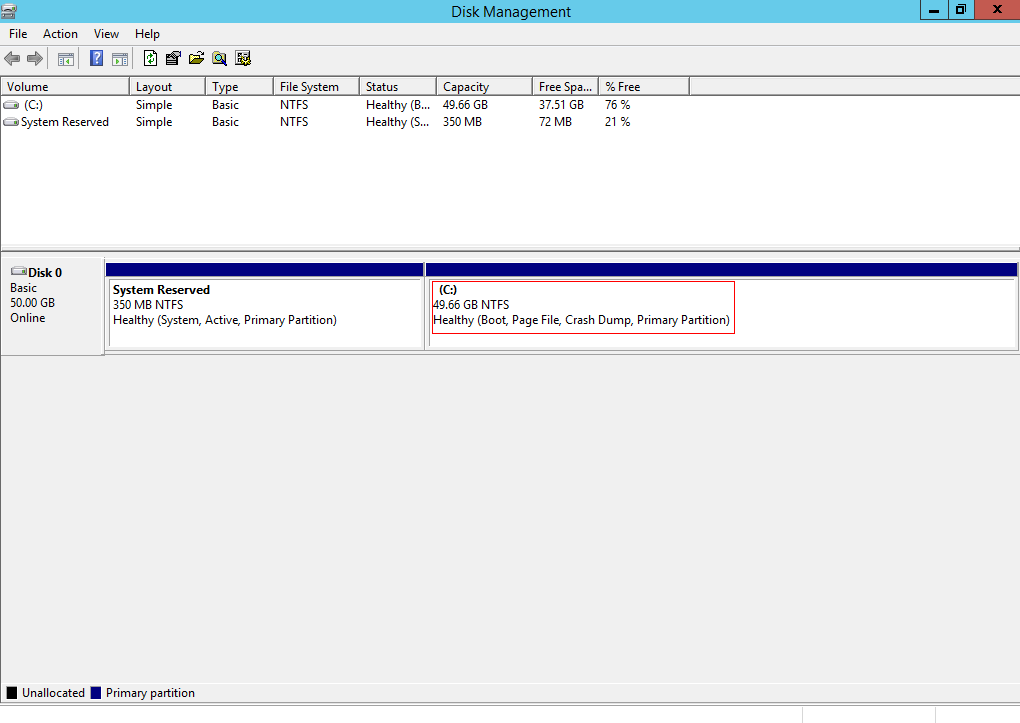
The Disk Management dialog box is displayed.
- Right-click partition (C:) and choose Expand Volume.
Figure 1 Expanding volumes
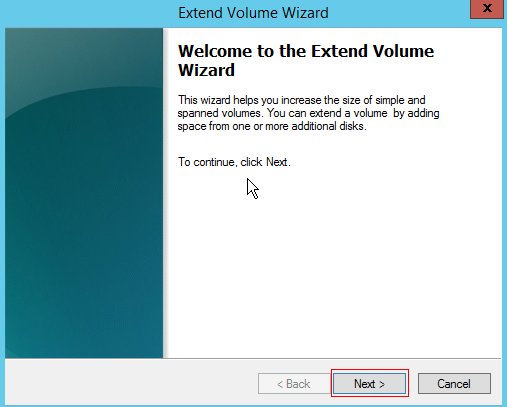
- In the displayed dialog box, click Next.
Figure 2 Extend Volume Wizard
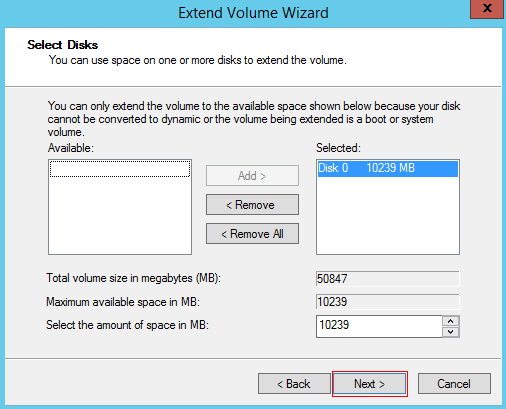
- Add the available space to the C: drive and click Next.
Figure 3 Expanding the disk
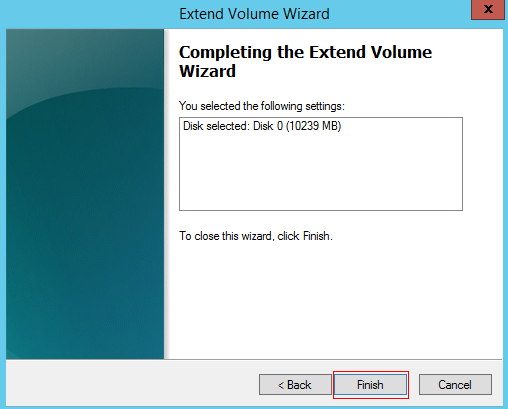
- In the displayed dialog box, click Finish.
Figure 4 Completing the expansion
- Check the expanded capacity.
Figure 5 Checking the expanded capacity
Parent topic: Target Server Configuration and Launch