RDS does not have constraints on how many connections are supported. It depends on the default values and value ranges of the following parameters: max_connections and max_user_connections for the MySQL DB engine and max_connections for the PostgreSQL DB engine. You can customize these parameters in a parameter template.
What Is the Maximum Number of Connections?
The maximum number of connections refers to the concurrent connections allowed for a DB instance.
How to Change the Maximum Number of Connections
- RDS for MySQL
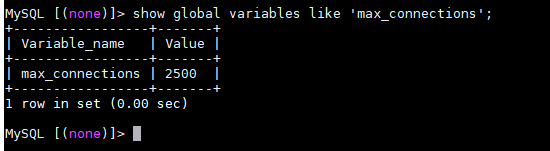
You can run the following command to query the maximum number of connections allowed:
show global variables like 'max_connections';
- RDS for PostgreSQL
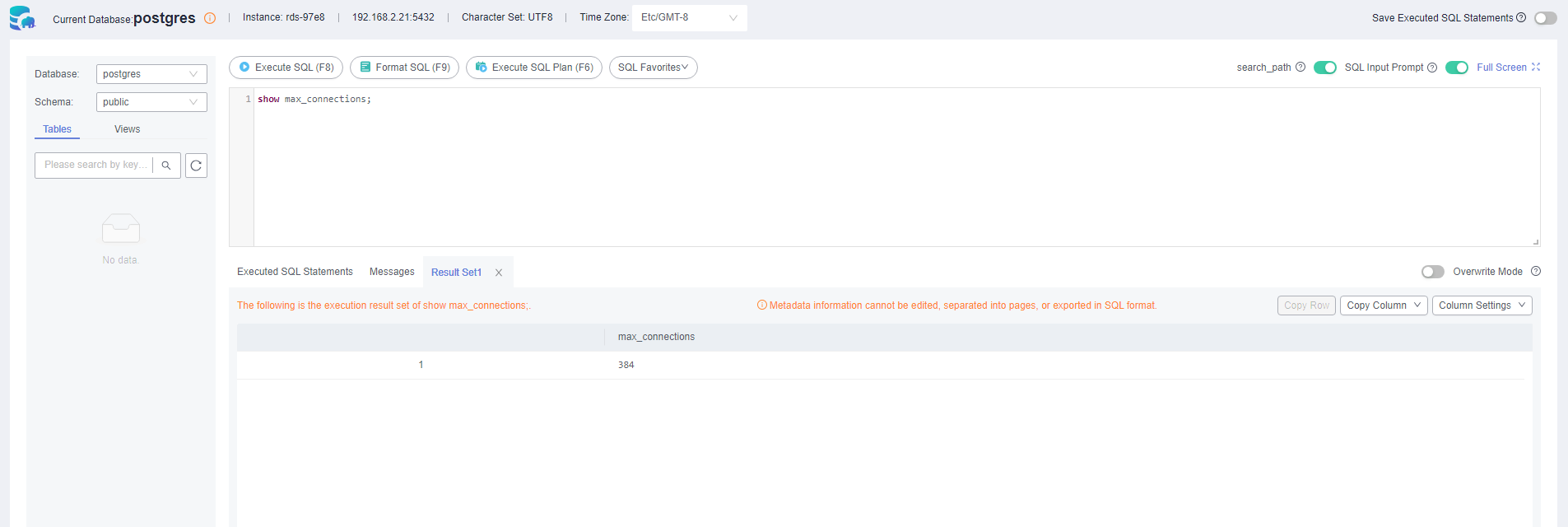
You can run the following command to query the maximum number of connections allowed:
show max_connections;
Setting the Maximum Number of Connections to an Appropriate Value
- RDS for MySQL
- In addition to the value of max_connections, the maximum number of simultaneous client connections allowed by RDS for MySQL is also limited by the maximum number of files that can be opened by a single process in the operating system. For example, if the maximum number of files that can be opened by each process is set to 100 in the operating system, the max_connections parameter does not take effect even if it is set to 200.
- Check the maximum number of files that can be opened by a single process in the operating system. The default value is 1024.
ulimit -n

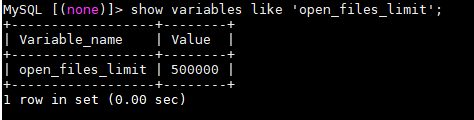
- Check the value of open_files_limit. open_files_limit indicates the maximum number of files that can be opened by a single process, which is read from the operating system during an RDS for MySQL instance startup.
show variables like 'open_files_limit';
- Recommended values
The maximum number of RDS for MySQL connections can be modified to any amount allowed by your instance specifications. The maximum number of connections supported is closely related to the instance memory.
max_connections: maximum number of concurrent connections to a DB instance. If this parameter is set to default, the maximum number of connections depends on the memory (unit: GB) of the DB instance. The formula is as follows:
Estimated value of max_connections = Available node memory/Estimated memory occupied by a single connection
Note- Available node memory = Total memory – Memory occupied by the buffer pool – 1 GB (mysqld process/OS/monitoring program)
- Estimated memory usage of a single connection (single_thread_memory) = thread_stack (256 KB) + binlog_cache_size (32 KB) + join_buffer_size (256 KB) + sort_buffer_size (256 KB) + read_buffer_size (128 KB) + read_rnd_buffer_size (256 KB) ≈ 1 MB
The following table lists the default values of max_connections for different memory specifications.
Table 1 Max_connections for different memory specificationsMemory (GB)
Connections
512
100,000
384
80,000
256
60,000
128
30,000
64
18,000
32
10,000
16
5,000
8
2,500
4
1,500
2
800
Set the maximum number of connections to an appropriate value because more connections consume more system resources.
- RDS for PostgreSQL
Set max_connections based on the complexity of your workloads.