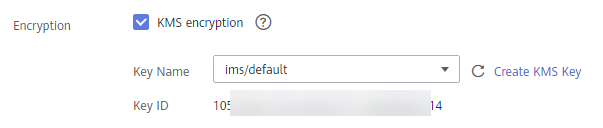
- When uploading an image file to Image Management Service (IMS), you can choose to encrypt the image file using a key provided by KMS to protect the file, as shown in Figure 1. For details, see the Image Management Service User Guide.
Figure 1 Encrypting data in IMS
There are two types of CMKs that can be used:
- The default key ims/default created by KMS
- Custom keys that you create on the KMS console using KMS-generated key materials
- You can also call IMS APIs to create encrypted image files. For details, see Image Management Service API Reference.
Parent topic: Cloud Services with KMS Integrated