Scenarios
This section uses CentOS 7 64-bit as an example to describe how to install Linux on an ECS.
The installation procedure varies depending on the image file you use. Perform operations as prompted.
Set the time zone, repo source update address, input method, language, and other items based on service requirements.
Prerequisites
You have remotely logged in to the ECS and entered the installation page.
Procedure
Do not stop or restart the ECS during the OS installation. Otherwise, the OS installation will fail.
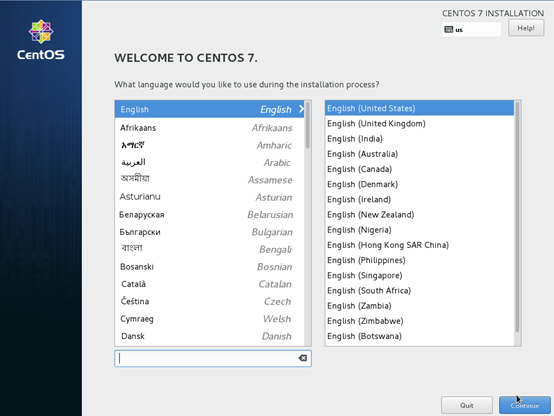
- On the installation page, select the language and click Continue.
Figure 1 Installation page
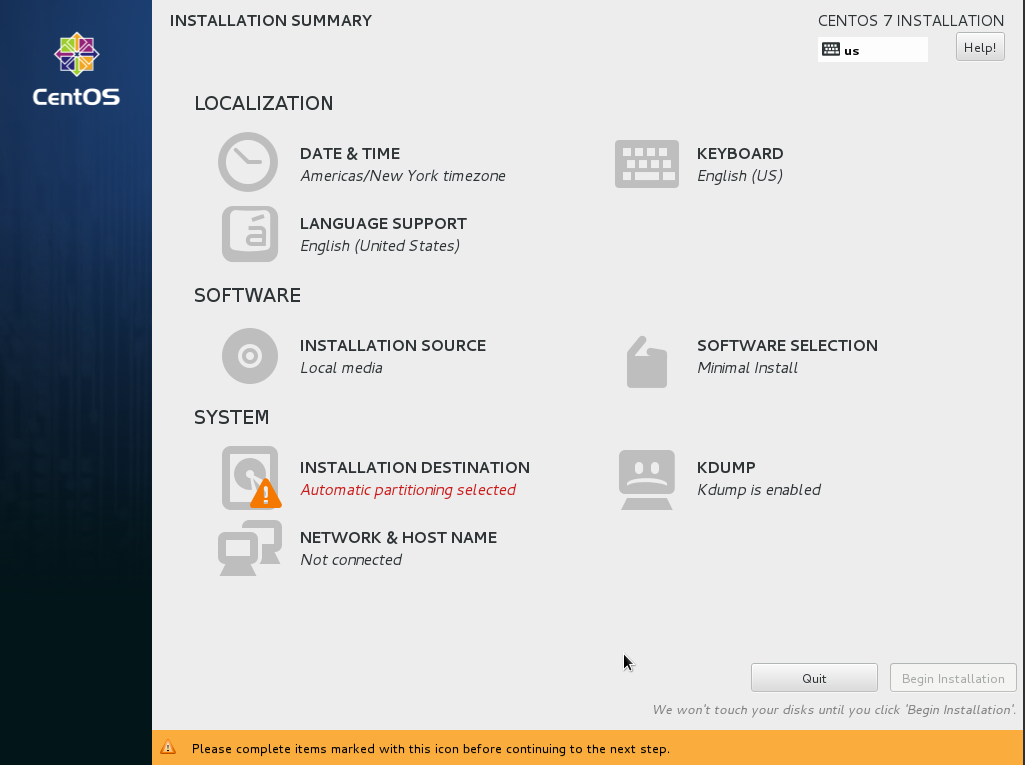
- On the INSTALLATION SUMMARY page, choose SYSTEM > INSTALLATION DESTINATION.
Figure 2 INSTALLATION SUMMARY page
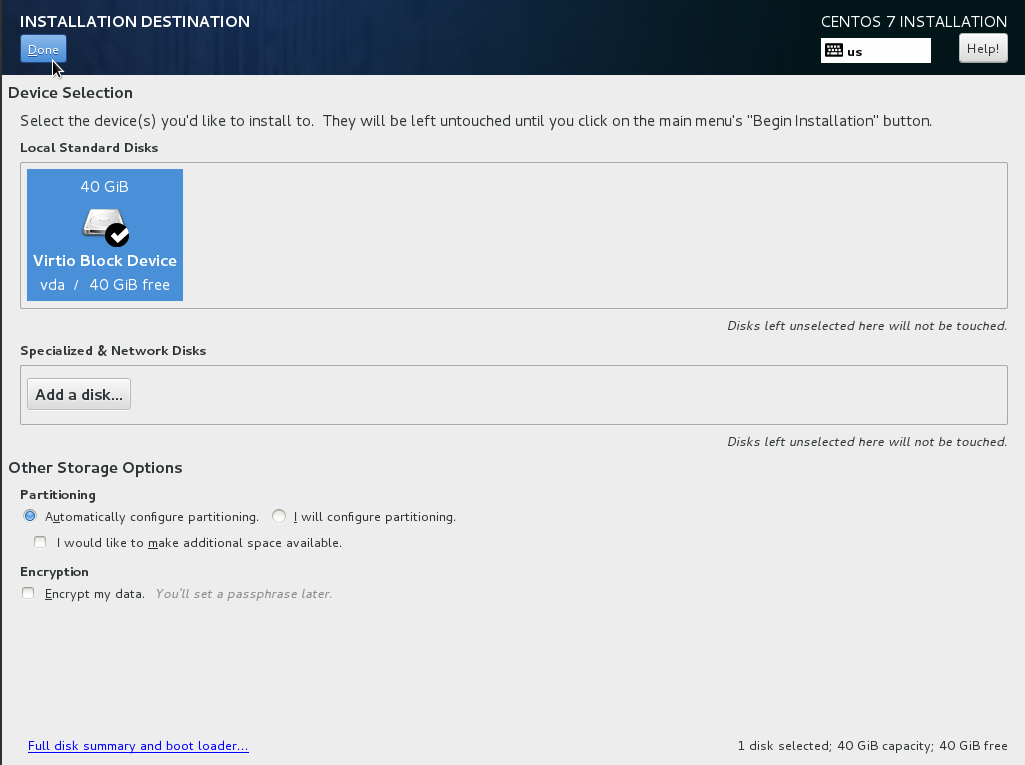
- Select the target disk and click Done.
Figure 3 Installation location
- Click Begin Installation.
Figure 4 Starting installation
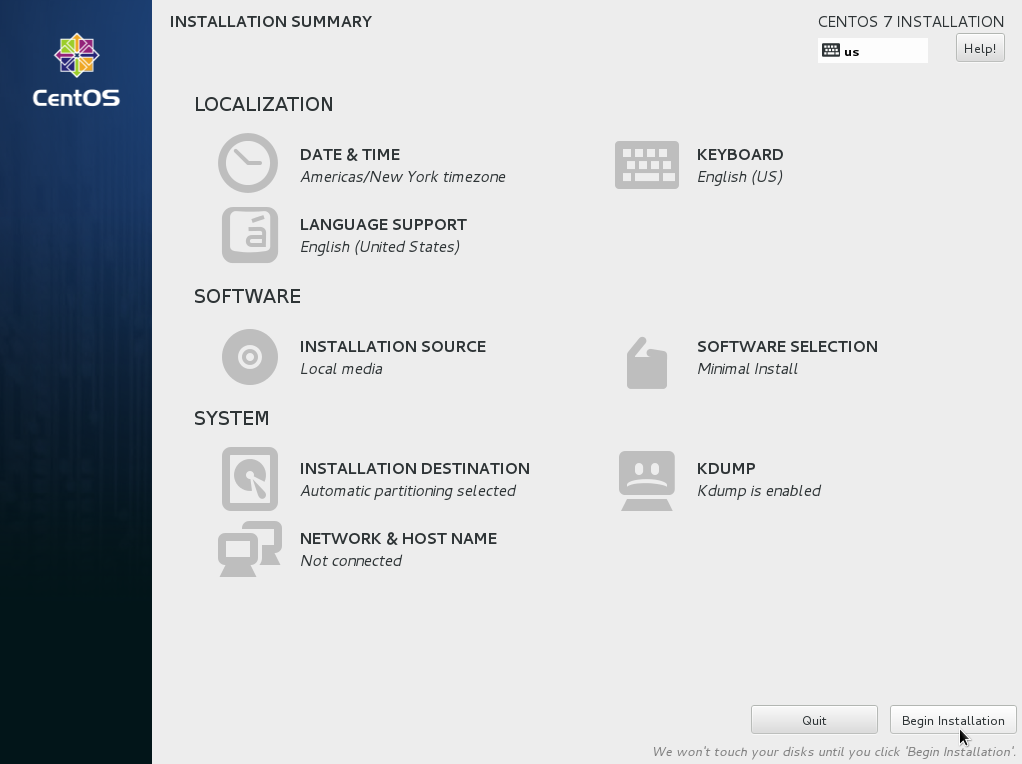
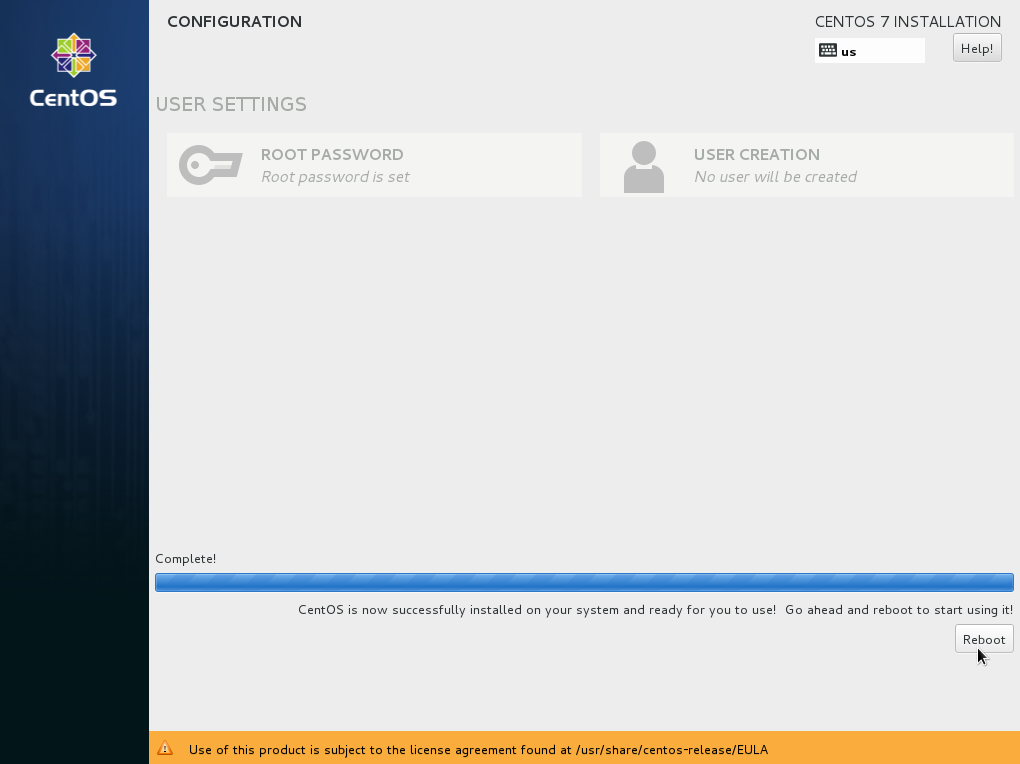
- Wait for the automatic OS installation to complete. When the progress reaches 100%, CentOS is installed successfully.
Figure 5 Successful installation
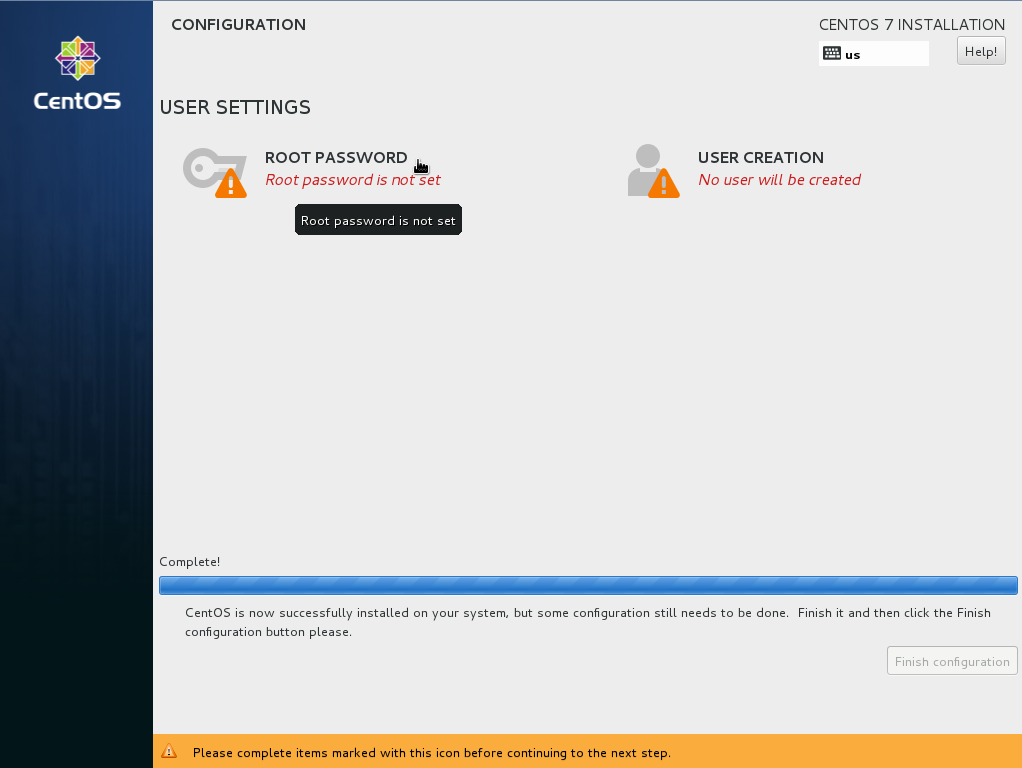
- In the USER SETTINGS area, click ROOT PASSWORD.
The ROOT PASSWORD page is displayed.
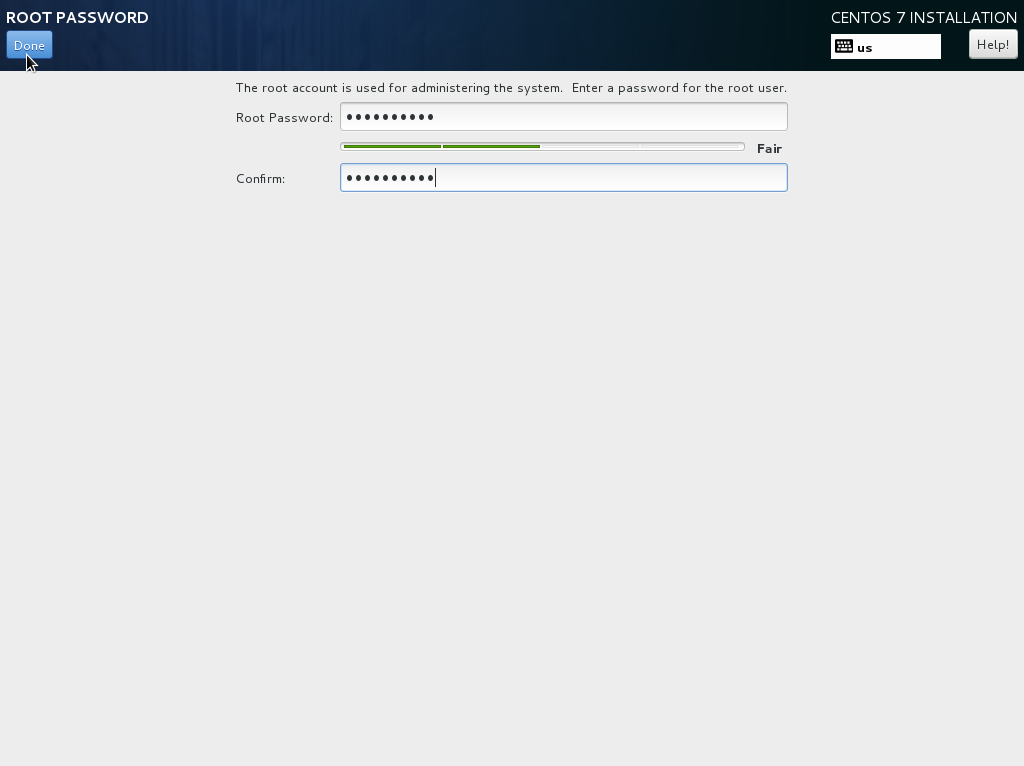
- Set a password for user root as prompted and click Done.
Figure 6 Setting a password for user root
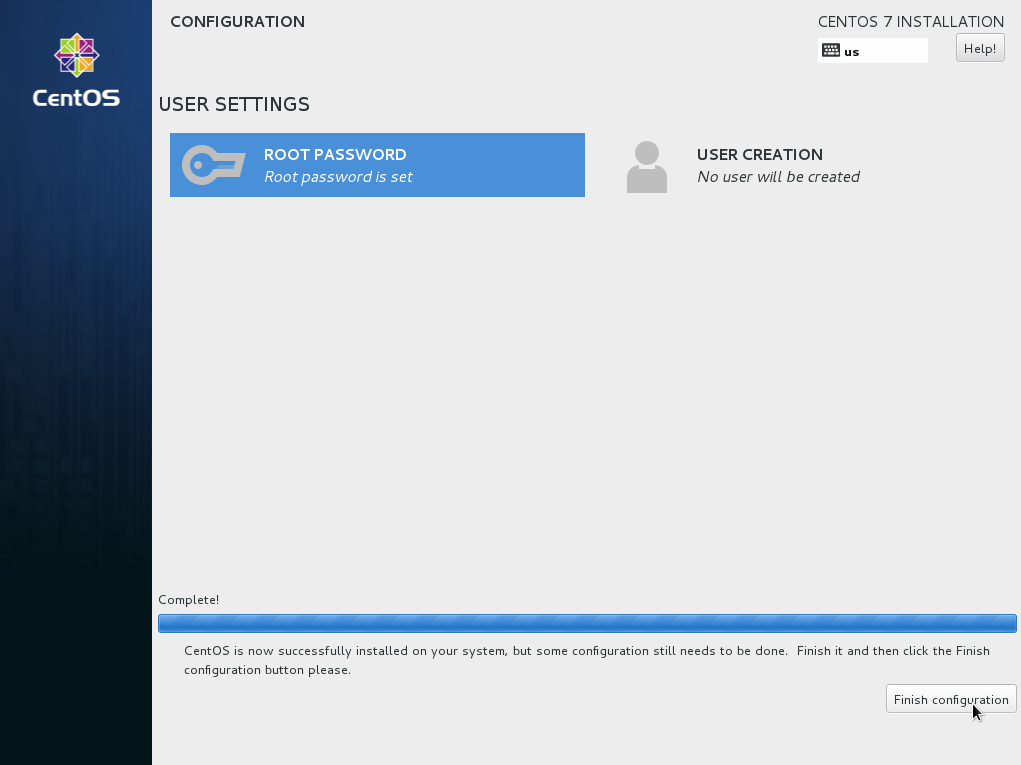
- Click Finish configuration.
Figure 7 Completing configuration
- Click Reboot.
If you are prompted to install the OS again after the ECS is restarted, exit the VNC login page and restart the ECS on the console.
Figure 8 Restarting the ECS