Scenarios
VirtIO is a standard interface for VMs to access host devices. It is used to improve the I/O performance between VMs and hosts. For details about open-source code of virtio-win/kvm-guest-drivers-windows, see https://github.com/virtio-win/kvm-guest-drivers-windows.
Before using an ECS or external image file to create a private image, ensure that VirtIO drivers have been installed in the OS so that ECSs created from this image can support KVM virtualization and the network performance can be improved.
This section describes how to install VirtIO drivers on KVM ECSs.
If you do not install VirtIO drivers, ECS NICs cannot be detected. As a result, the ECSs cannot communicate with other resources.
If an ECS is created from a public image, VirtIO drivers have been installed by default.
Prerequisites
An EIP has been bound to the ECS. (This ECS is used to optimize a private image.)
Installing VirtIO Drivers
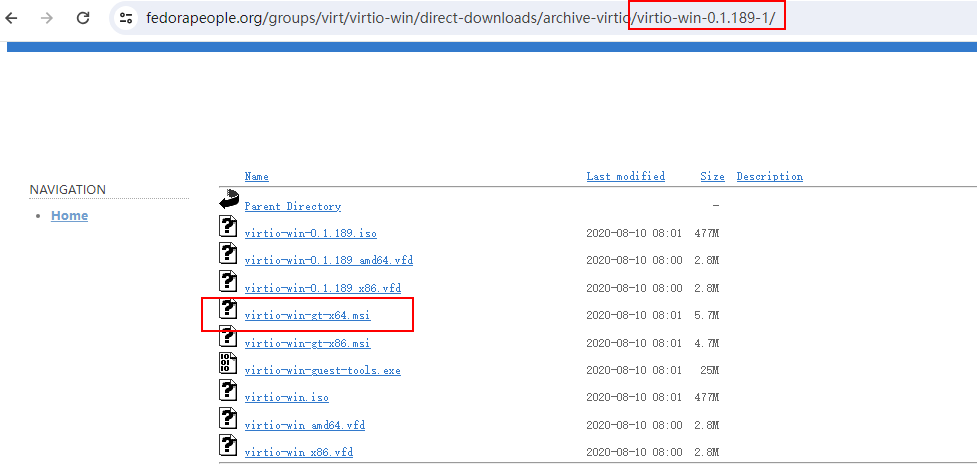
The following uses virtio-win-gt-x64.msi in version virtio-win-0.1.189-1 as an example to describe how to install VirtIO drivers.
- Log in to the Windows ECS using VNC.
For details about how to log in to an ECS, see Elastic Cloud Server User Guide.
NoteYou must log in to the ECS using VNC. Remote desktop connection is not allowed because the NIC driver needs to be updated during the installation but the NIC is in use for the remote desktop connection. As a result, the installation will fail.
- Download VirtIO drivers.
Select a desired version from the following path:
https://fedorapeople.org/groups/virt/virtio-win/direct-downloads/archive-virtio/
Figure 1 Downloading a driver package
- After the download is complete, right-click virtio-win-gt-x64.msi and choose Run as administrator from the shortcut menu.
Figure 2 Starting the installation
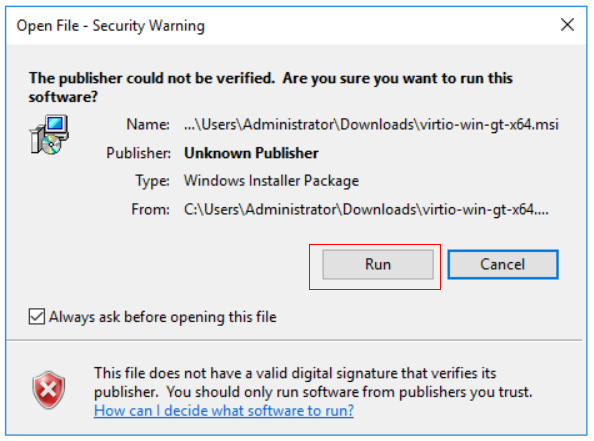
Figure 3 Installation wizard
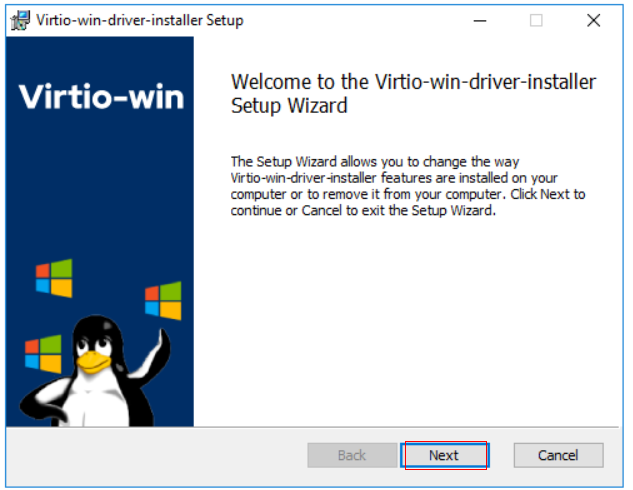
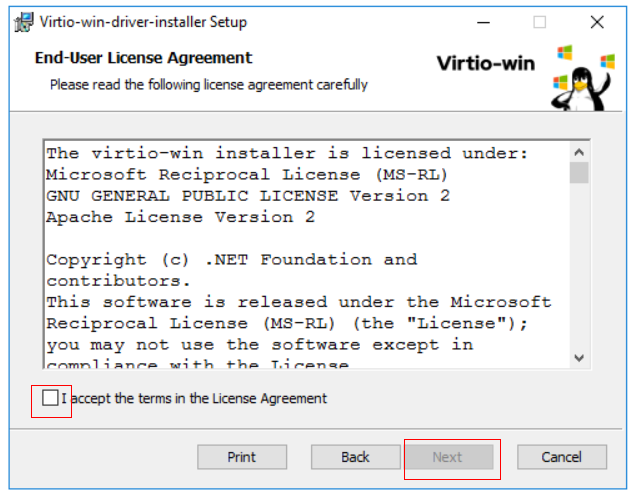
Figure 4 Accepting the agreement
Select the VirtIO drivers to be installed. In this example, select all VirtIO drivers.
Figure 5 Selecting VirtIO drivers to install
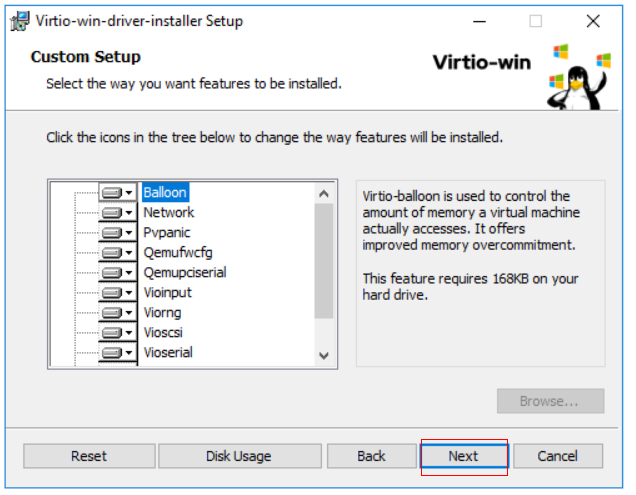
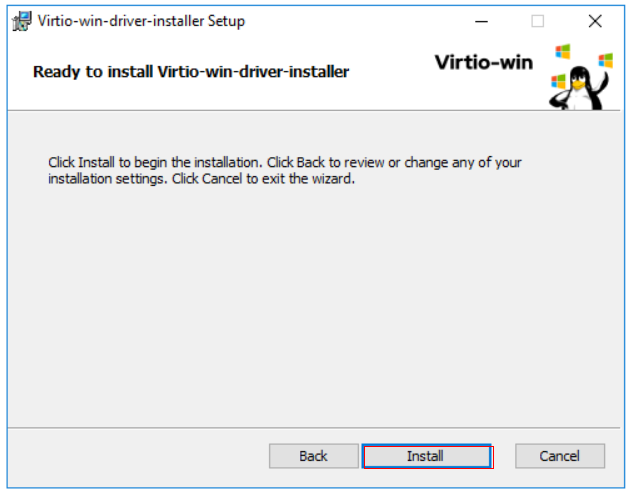
Figure 6 Proceeding with the installation.
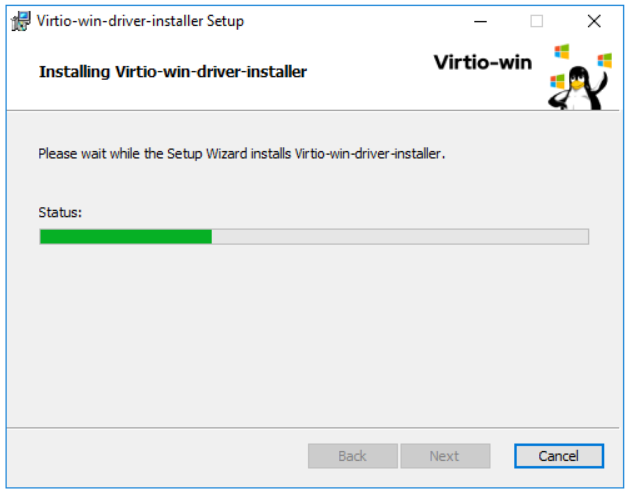
- Wait until the installation is complete.
Figure 7 Installation in process
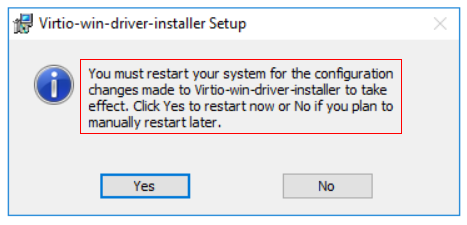
- Restart the ECS after the installation is complete.
Figure 8 Installation completed
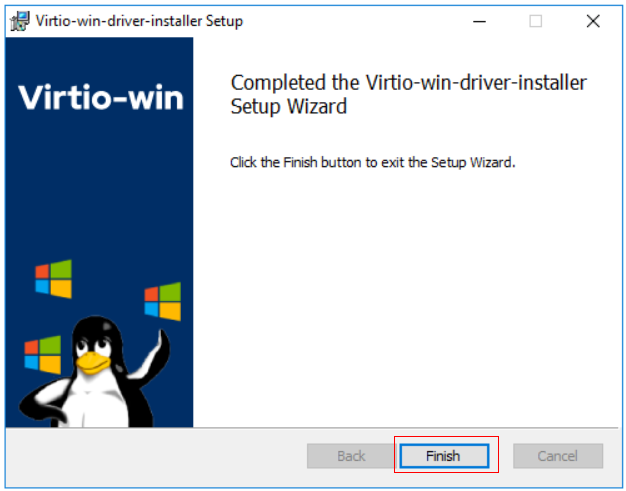
Figure 9 Restart prompt
- After the restart, perform the operations in Verifying the Installation to verify that the VirtIO drivers have been successfully installed.
Verifying the Installation
Perform the following steps to verify the installation of the VirtIO drivers:
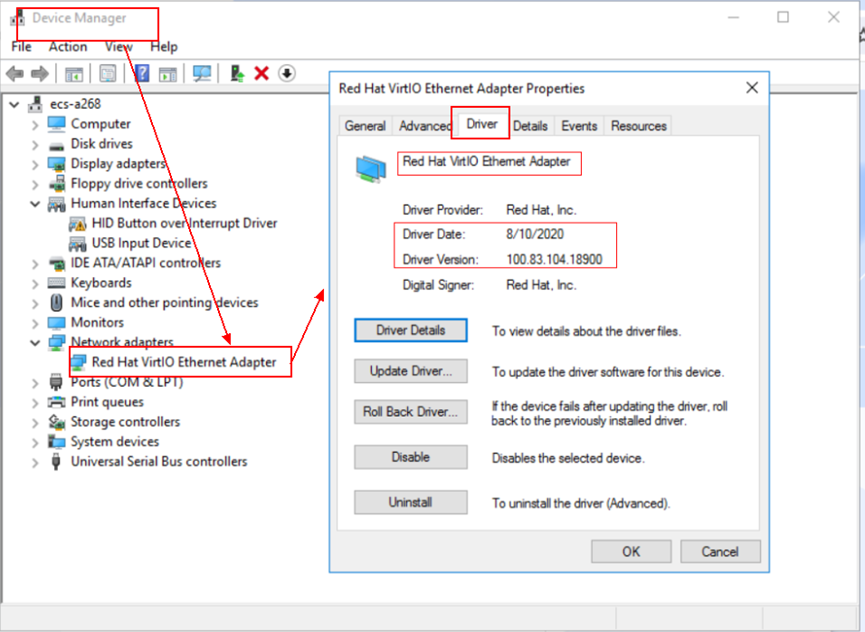
- Open Device Manager and search for VirtIO drivers.
- Check whether the VirtIO driver version and date displayed in Device Manager are the same as those of the VirtIO drivers you downloaded. If they are the same, the VirtIO drivers have been installed successfully.
Figure 10 Version and date of downloaded drivers
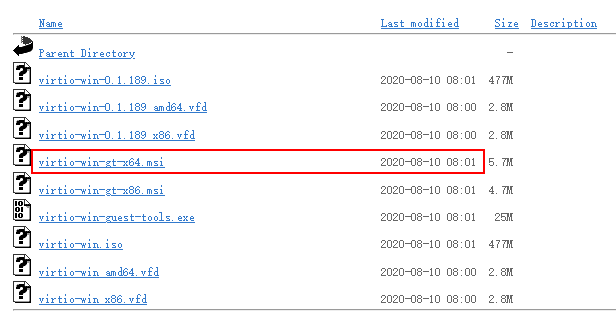
Figure 11 Version and date of drivers in Device Manager
Follow-up Procedure
- On the ECS, choose Control Panel > Power Options. Click Choose when to turn off the display, select Never for Turn off the display, and save the changes.
- After the installation of VirtIO drivers is complete, perform the following operations to clear system logs:
- For Windows Server 2008 and Windows Server 2012, right-click Computer and select Manage.
- In the displayed dialog box, choose System Tools > Event Viewer > Windows Logs and delete logs of five items.
- Stop the ECS.