Solution
Log in to the ECS using VNC, modify the configuration file, and log in to the ECS through SSH.
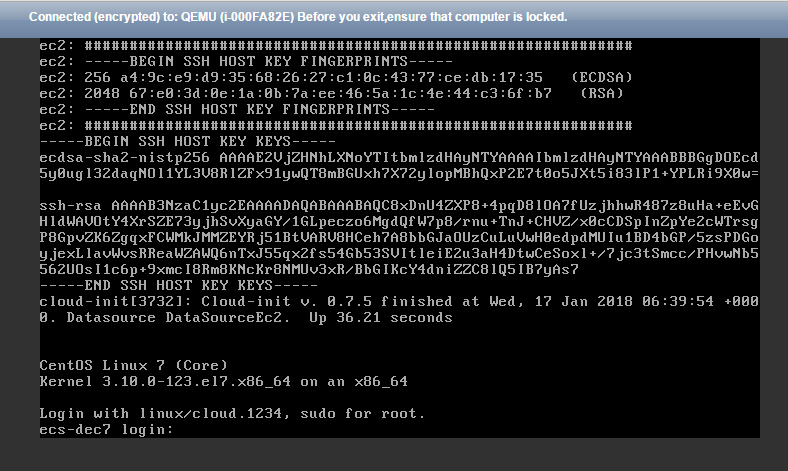
- On the ECS console, locate the ECS and click Remote Login.
- On the login page, enter user root and its password.Note
The password is the one you set during the ECS creation.
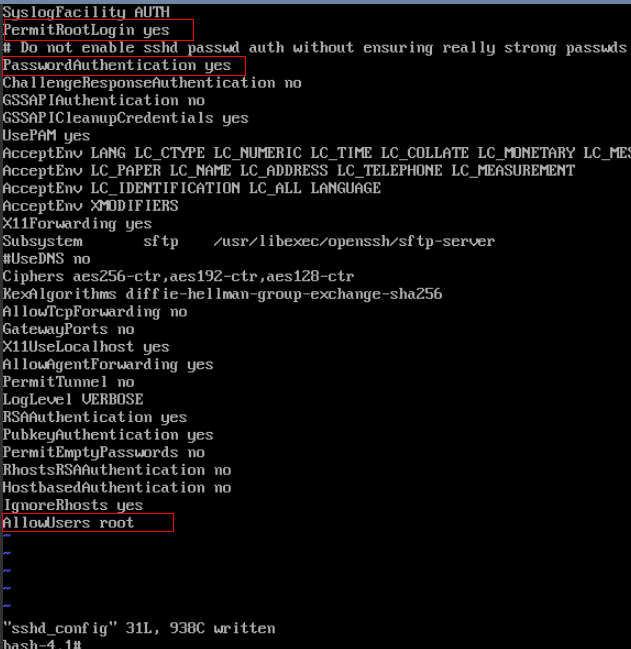
- In the /etc/ssh/ directory, modify the three configuration items in the sshd_config file, as shown in the following figure.
- Save the modification and exit. Then, run the following command to restart SSH:
service sshd restart
- After the restart, use the SSH password to log in again.
- If the fault persists, contact customer service.
Parent topic: Login Preparations